

3 Case Studies: Real Small Businesses That Switched to Invoicing Software

3 Case Studies: Real Small Businesses That Switched to Invoicing Software
The daily grind of running a small business is demanding. Between serving customers, managing projects, and planning for the future, administrative tasks like invoicing can often become a bottleneck. Manual processes using spreadsheets, Word documents, or even paper notebooks are not only time-consuming but are also prone to errors that can impact cash flow and customer perception. Below, we explore three real-world scenarios of small businesses that transformed their operations by switching to a dedicated invoicing software solution.
Case Study 1: Edson - Graphic Designer - From Creative Chaos to Streamlined Billing
The Challenge: Maria, a talented freelance graphic designer, juggled multiple client projects at once. Her invoicing system was a chaotic mix of saved email threads, custom-made Word documents, and a spreadsheet she often forgot to update. She struggled to track which invoices were paid, wasted hours creating new invoices from scratch for each project milestone, and found it difficult to recall past quotes when a client returned for new work. This disorganization made her look less professional and delayed her payments.
The Solution with Jon AI Invoicing Software: By adopting a dedicated invoicing platform, Maria professionalized her entire workflow. She began using the Simultaneous Quotes feature to send out multiple project proposals at once. The Price Quote History became her best friend, allowing her to instantly pull up past pricing for returning clients. The one-click Quote-to-Invoice Conversion saved her hours each month. Now, with the Client Overview page, she can see every quote and invoice sent to a specific client, helping her track outstanding payments and manage her finances effectively. Her invoices now look sleek and professional, reinforcing her brand image.
Case Study 2: Big Burguer - Local Takeaway Restaurant - From Sales Blindspots to Real-Time Profit Tracking
The Challenge: David runs a popular takeaway restaurant with a small team. His biggest challenges were understanding his daily profitability and managing sales during peak hours. At the end of each day, he'd manually tally up paper receipts, a tedious process that didn't give him clear insights into which menu items were the most profitable. Furthermore, if the internet briefly went down, his old point-of-sale system would stop working, bringing sales to a halt.
The Solution with Jon AI Invoicing Software: David implemented the software across his takeaway, utilizing its robust features for restaurants. The Offline Mode was a game-changer, ensuring that internet failures no longer affected his business. He could now see his profits and sales in real-time on his phone, whether he was at the restaurant or on the go. By categorizing his sales into "Food," "Drinks," and "Merchandise," he could finally Track his Profit per category, helping him make smarter decisions about his menu. Using the 80mm thermal printer compatibility, his cashier could issue receipts quickly, keeping the line moving during busy lunch rushes.
Case Study 3: Cell Shop - Small Electronics Shop - From Inventory Guesswork to Full Stock Control
The Challenge: A small electronics store owned by brothers Ben and Sam struggled with inventory management. They never had an accurate count of their products, leading to situations where they would sell an item they didn't have in stock or, conversely, over-order products that weren't selling. This guesswork was costing them money and frustrating customers.
The Solution with Jon AI Invoicing Software: The brothers turned their business around with a system that integrated invoicing and stock control. The Real-Time Inventory Control feature became the core of their operation. Every time they issued an invoice or receipt for a sale, the stock level for that product was automatically updated. This allowed them to know exactly how much they had in stock, both in terms of quantity and cash value. They used the Smart Product Organization to categorize items by suppliers and brands, which simplified reordering and helped them identify their best-performing products, leading to smarter purchasing and increased profitability.
AI Features we offer:
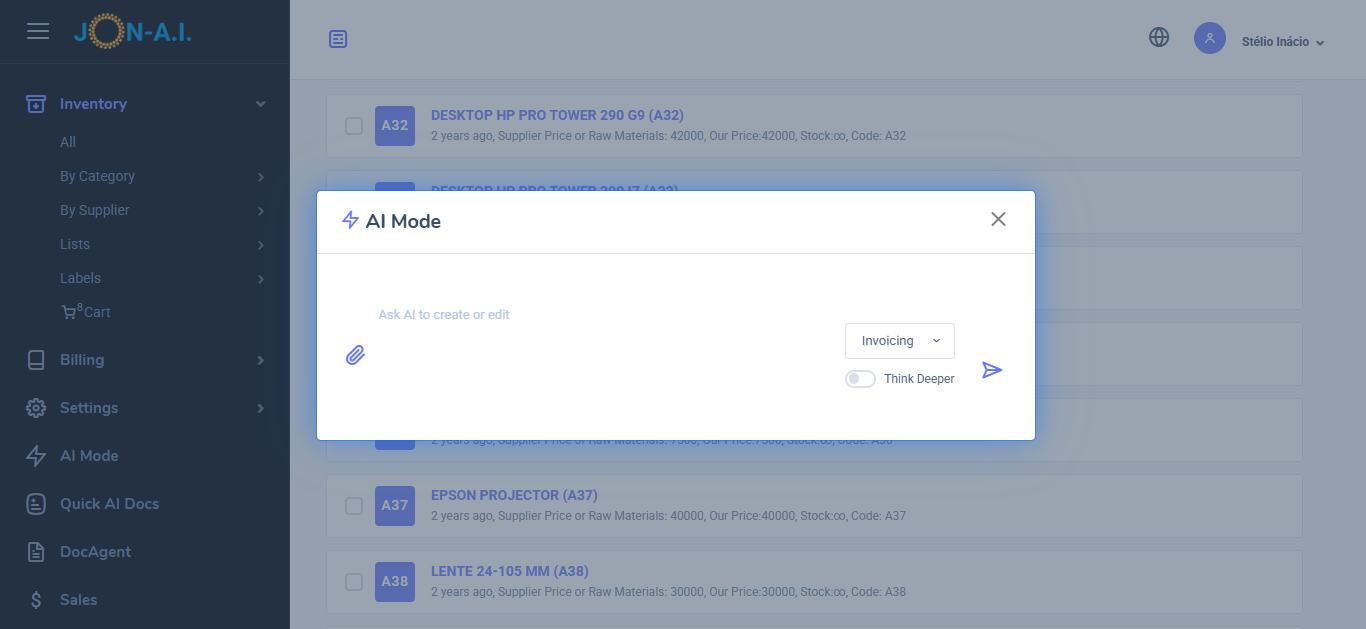
- From Request to Quote: Use AI to convert client requests into detailed quotes. Paste emails, messages, upload request for quotes (RFQs), or just ask for the quote you need to generate comprehensive quotes that include all necessary details.
- AI Quote/Invoice Editing: Use AI to edit existing quotes or invoices. Simply describe the change and ask the AI to do it, such as adding new parts, adjusting prices, or modifying descriptions. You can also do edits manually.
- Iventory Management: You can literally upload your price list, menu, or list of products or services, and the AI will add them to the inventory. The AI will extract the available stock, prices, and descriptions from the document, making it easy to manage your inventory.
- AI Small Receipts for Sales Tracking or thermal printers: To generate a small receipt just list the items sold. The AI will create a small receipt that can be printed on thermal printers or used for sales tracking. This is great for stores, take aways and more.
- AI Sales Report: Generate a sales report by simply asking the AI to do it. You can specify the date range, types of services, or products sold, and the AI will compile a detailed report for you. You can generate a sales report for last month, or for today, or for a specific period.
These case studies highlight a common truth: moving from outdated, manual systems to a modern solution is a powerful step. It’s not just about creating documents; it’s about gaining control, improving efficiency, and building a more professional and profitable business. You can start making this change today with our.