

Pros and Cons of Cloud (Online) Invoicing vs. Offline Software

Pros and Cons of Cloud Invoicing vs. Offline Software
Choosing the right invoicing system is a critical decision for any business. It impacts everything from cash flow and team productivity to data security. The primary debate often centers on one key question: should you use a modern cloud-based platform or a traditional offline software installed on your computer? While both have their merits, understanding their core differences is essential to selecting the tool that will best support your business growth.
The Old Guard: Offline Invoicing Software
Offline, or desktop, invoicing software is the traditional model. You purchase a license, install the program directly onto a specific computer, and your data is stored locally on that machine's hard drive.
Pros of Offline Software:
- Works Without Internet: The most significant advantage is its ability to function without an internet connection. If your business is in an area with unreliable connectivity, you can still create invoices.
- One-Time Cost: Often, offline software is sold as a one-time purchase. This can seem appealing for businesses looking to avoid monthly subscription fees.
- Data Control: Your data is stored entirely on your own hardware, giving you a tangible sense of control and ownership over your sensitive financial information.
Cons of Offline Software:
- Limited Accessibility: Your invoicing is chained to a single computer. Need to send a quote from a client's office or check a payment status from home? You're out of luck.
- No Real-Time Collaboration: It's nearly impossible for a team to work together. A salesperson can't issue a quote while an administrator checks inventory simultaneously. This creates bottlenecks and reduces efficiency.
- Risk of Data Loss: If the computer's hard drive fails or is stolen, and you haven't been diligent with manual backups to an external drive, your entire financial history can be lost forever.
- Manual Updates & Maintenance: You are responsible for installing updates and patches, which can be time-consuming and technically challenging.
The Modern Solution: Cloud Invoicing Software
Cloud-based invoicing software operates online. You access it through a web browser or a mobile app, and your data is securely stored on remote servers. This model has rapidly become the standard for modern businesses for several compelling reasons.
Pros of Cloud Software:
- Access Anywhere, Anytime: As long as you have an internet connection, you can manage your invoicing from any device—your phone on the go, a tablet at a client site, or your laptop at home.
- Superior Team Collaboration: An entire team can use the software at the same time. Salespeople can generate quotes, managers can track profits, and cashiers can issue receipts simultaneously, all updating in real-time.
- Automated Backups & Security: Reputable cloud providers invest heavily in top-tier security and back up your data automatically. This is far more secure than a single file stored on a local computer.
- Real-Time Data Syncing: Information is always up-to-date. When you issue an invoice, your sales figures and stock levels are adjusted instantly across the system for everyone to see.
- Scalability: Cloud software easily grows with your business. Adding new users, features, or handling a higher volume of sales is seamless.
Cons of Cloud Software:
- Internet Dependency: The primary drawback is the need for an internet connection to access the full range of live features.
Jon AI: The Best of Both Worlds
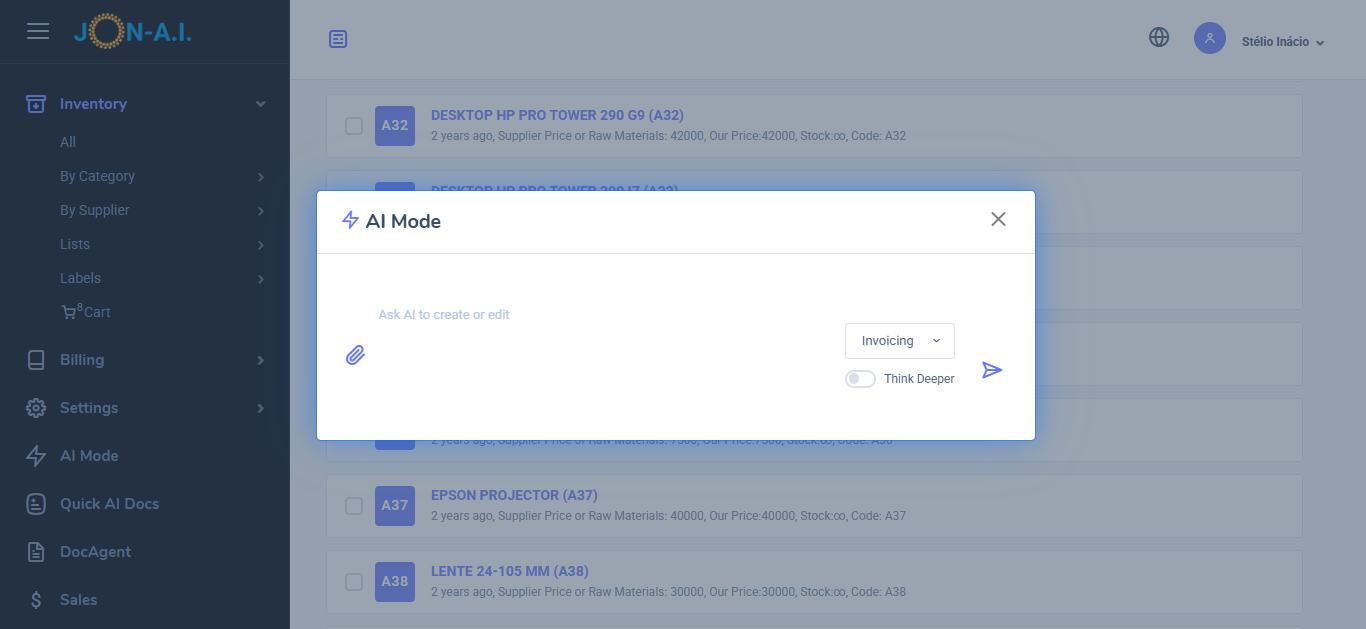
Our software offers great stability 24/7 online availability and also AI Features:
- From Request to Quote: Use AI to convert client requests into detailed quotes. Paste emails, messages, upload request for quotes (RFQs), or just ask for the quote you need to generate comprehensive quotes that include all necessary details.
- AI Quote/Invoice Editing: Use AI to edit existing quotes or invoices. Simply describe the change and ask the AI to do it, such as adding new parts, adjusting prices, or modifying descriptions. You can also do edits manually.
- Iventory Management: You can literally upload your price list, menu, or list of products or services, and the AI will add them to the inventory. The AI will extract the available stock, prices, and descriptions from the document, making it easy to manage your inventory.
- AI Small Receipts for Sales Tracking or thermal printers: To generate a small receipt just list the items sold. The AI will create a small receipt that can be printed on thermal printers or used for sales tracking. This is great for stores, take aways and more.
- AI Sales Report: Generate a sales report by simply asking the AI to do it. You can specify the date range, types of services, or products sold, and the AI will compile a detailed report for you. You can generate a sales report for last month, or for today, or for a specific period.
Stop choosing between accessibility and reliability. Get a system that offers both. Experience the future of invoicing by getting started with our