

What is a Sales Receipt, and How is It Different from an Invoice?

What is a Sales Receipt, and How is It Different from an Invoice?
In the world of business transactions, the terms "sales receipt" and "invoice" are often used interchangeably, but they represent two distinct and crucial documents in the sales process. Understanding the difference is fundamental for accurate accounting, clear communication with customers, and efficient cash flow management. While both documents detail a transaction, they are issued at different times and serve very different purposes.
What is a Sales Receipt?
A sales receipt is a proof of purchase. It is given to a customer after they have paid for goods or services. Think of it as an acknowledgment that a transaction is complete and the account is settled. When you buy groceries, clothes, or a coffee, the document the cashier hands you is a sales receipt. It confirms the details of the sale—what was bought, the price, taxes, the date, and the fact that payment was successfully made.
Key Characteristics of a Sales Receipt:
- Timing: Issued at the point of sale, immediately after payment is received.
- Purpose: To serve as proof that a payment has been made.
- Accounting Impact: It records a completed sale and the corresponding revenue and cash/bank deposit. It does not track money owed.
- Common Use Cases: Retail stores, restaurants, e-commerce, and any transaction where payment is immediate.
What is an Invoice?
An invoice is a request for payment, essentially a bill. It is sent to a customer before they are expected to pay. An invoice formally outlines the products delivered or services rendered, itemizes the costs, and states the total amount due. It also includes important payment terms, such as the due date and the methods of payment accepted. It signifies the start of a payment collection cycle for a business.
Key Characteristics of an Invoice:
- Timing: Issued before payment is made, when you are extending credit to a customer.
- Purpose: To bill a client and request payment for goods or services.
- Accounting Impact: It creates an entry in your Accounts Receivable, meaning it tracks money that is owed to your business.
- Common Use Cases: Freelance projects, construction jobs, B2B sales, wholesale, and any scenario where clients are billed to pay at a later date.
The Core Difference: Request vs. Proof
The simplest way to distinguish between the two is this:
- An Invoice says, "You owe me money."
- A Sales Receipt says, "You have paid me."
An invoice initiates a transaction by asking for payment, while a receipt closes the transaction by confirming payment has been received. A single sale that involves credit will typically involve both documents: first, an invoice is sent, and once the customer pays it, a receipt is issued to confirm the payment.
Manage Both Seamlessly with Jon AI Invoicing Software
A professional business needs to handle both scenarios with ease. You need the flexibility to bill clients with credit terms and the efficiency to process on-the-spot sales. Jon AI Invoicing Software is designed to manage the entire lifecycle of your transactions effortlessly.
- Create Professional Invoices: Easily generate and send detailed invoices for projects and services. Track which invoices are sent, paid, and overdue to stay in complete control of your accounts receivable.
- Issue Instant Sales Receipts: For bars, restaurants, shops, or any point-of-sale transaction, you can issue a sales receipt in a single click, recording the sale and printing on an 80mm thermal printer or as an A4 document.
- Effortless Conversion: When a client pays an outstanding invoice, the system allows you to easily record the payment and issue a receipt, keeping your books accurate and your clients informed.
- Unified Tracking: Whether you issue an invoice or a receipt, all your sales data, taxes, and inventory levels are updated in real-time, giving you a complete and accurate overview of your business's financial health.
AI Features:
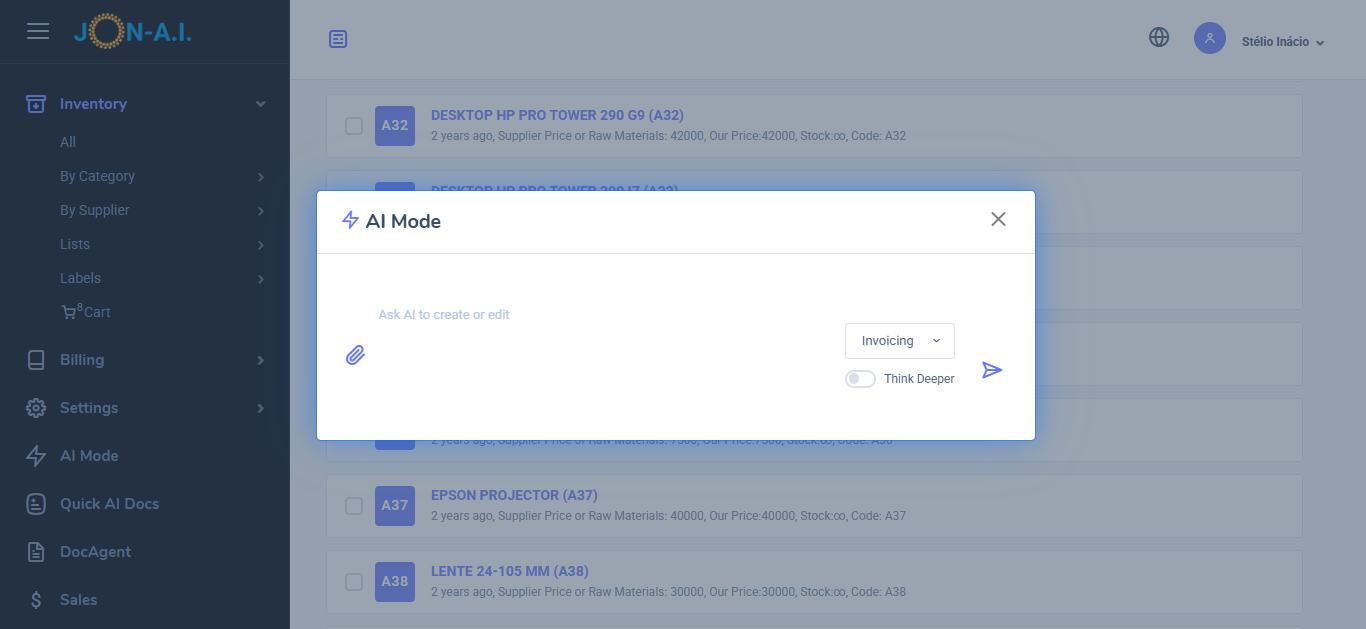
- From Request to Quote: Use AI to convert client requests into detailed quotes. Paste emails, messages, upload request for quotes (RFQs), or just ask for the quote you need to generate comprehensive quotes that include all necessary details.
- AI Quote/Invoice Editing: Use AI to edit existing quotes or invoices. Simply describe the change and ask the AI to do it, such as adding new parts, adjusting prices, or modifying descriptions. You can also do edits manually.
- Iventory Management: You can literally upload your price list, menu, or list of products or services, and the AI will add them to the inventory. The AI will extract the available stock, prices, and descriptions from the document, making it easy to manage your inventory.
- AI Small Receipts for Sales Tracking or thermal printers: To generate a small receipt just list the items sold. The AI will create a small receipt that can be printed on thermal printers or used for sales tracking. This is great for stores, take aways and more.
- AI Sales Report: Generate a sales report by simply asking the AI to do it. You can specify the date range, types of services, or products sold, and the AI will compile a detailed report for you. You can generate a sales report for last month, or for today, or for a specific period.
Stop struggling with confusing paperwork. Whether you need to bill a client for future payment or document an immediate sale, our system provides the tools you need. Get started today with our